What are the punch keys in Ragdoll MMA?
Unpublished. Open Controls from the main menu and read the live PC or controller rows.
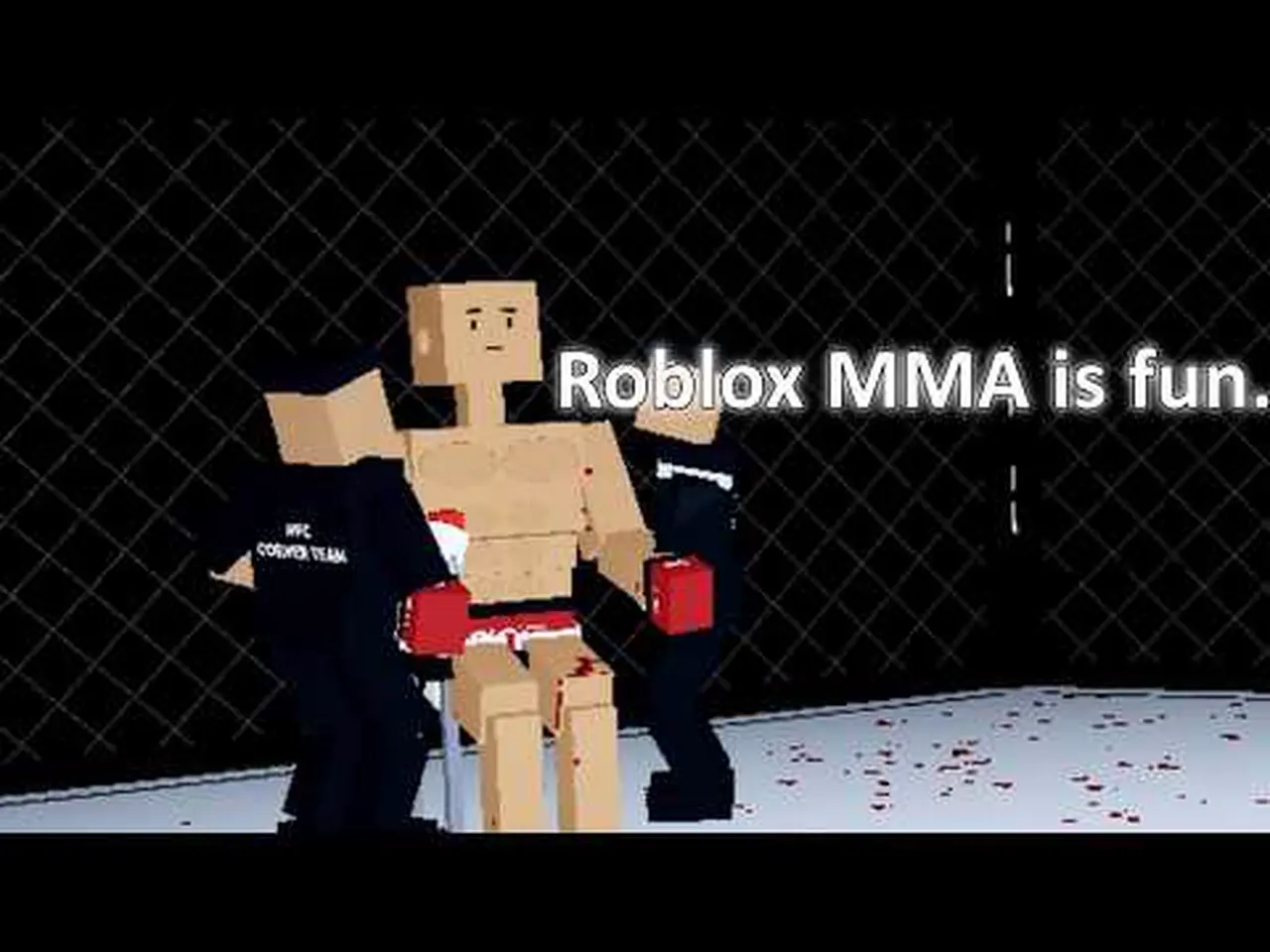
Ragdoll MMA controls: open Controls from the main menu first. PC and controller listed. Exact keybinds stay TBA. Place 76205942520539. Verified November 2026.
Open Controls from the main menu. PC and controller. Exact keybinds stay TBA.
~7 min read
Ragdoll MMA controls for Place 76205942520539 by MattValidd: open Controls from the main menu before your first fight. The listing confirms PC and controller. Exact keybinds are not published. Verified November 2, 2026. Play.
This page does not invent WASD maps, punch keys, or a native Xbox / PS5 SKU. Related searches for those consoles mean “play this Roblox Place with a pad,” not a standalone disc. Trust the in-game panel.
| Fact | Detail |
|---|---|
| Place | 76205942520539 |
| Developer | MattValidd |
| Open Controls | Main menu, before first fight (listing) |
| Supported | PC and controller (listing) |
| Exact keybinds | TBA — unpublished; read the HUD |
| Xbox / PS5 SKU | Not listed — play via Roblox |
| Mobile overlay | Not published; Roblox app only |
Matched by build plan, shared topics, and guide progression — not random related links.
Official listing copy: open Controls from the main menu before your first fight. That is the entire published procedure. Join Place 76205942520539, wait for the home HUD, then look for Controls on that menu — not mid-round, not on roblox.com, not in a guessed pause combo.
Early development: the studio says controls and balance can still change. If the panel and an old recap disagree, the panel wins. This wiki will not freeze a guessed bind “until the next patch.”
The kit is physics MMA: boxing, kicks, wrestling, ground-and-pound. Without the panel you will mash and eat a ragdoll KO. The beginner guide uses the same order: Controls → Practice → Easy bot. Skip the panel and you skip the only official input document.
Unpublished. This page will not print WASD, mouse, F-block, spacebar, or number-row guesses. The listing only confirms that PC is supported and that you should open Controls from the main menu. Read the PC column on that panel and use those rows in Practice. If a recap overlay disagrees with the live panel on Place 76205942520539, throw the recap out — early development will keep changing prompts faster than blogs.
| Action | PC | Source |
|---|---|---|
| Open Controls | Main menu (listed) | Official listing |
| Move | TBA — read HUD | Unpublished |
| Punch / kick | TBA — read HUD | Unpublished |
| Grab / takedown | TBA — read HUD | Unpublished |
| Ground work | TBA — read HUD | Unpublished |
| Camera / extra | TBA — read HUD | Unpublished |
Other ragdoll titles publish WASD, punch keys, and weave binds. Those maps are for those Places. Pasting them into a Ragdoll MMA guide would be fiction. If a recap shows a bind overlay, mark it Unverified until it matches the live panel on Place 76205942520539.
The listing does not say whether binds are customizable. Do not assume a remap screen exists. If the in-game Controls panel shows a remap control, use that panel as the source — still do not invent defaults here.
The listing confirms controller support. It does not publish face-button, trigger, or stick maps. Connect a pad Roblox already accepts, join the Place, open Controls, and read the controller column. Do not use a Steam fighter chart or a console-exclusive boxing SKU chart.
| Action | Controller | Source |
|---|---|---|
| Open Controls | Main menu (listed) | Official listing |
| Move / camera | TBA — read HUD | Unpublished |
| Strikes | TBA — read HUD | Unpublished |
| Grab / takedown | TBA — read HUD | Unpublished |
| Ground-and-pound | TBA — read HUD | Unpublished |
You play Ragdoll MMA through the Roblox client with a controller attached. That is the listed path. There is no second executable named Ragdoll MMA on a console storefront in the public listing.
If Controls shows PC rows only, stay on keyboard until the panel lists pad lines. Do not guess Xbox face buttons. Report what you see against this TBA table after a capture, not before.
No native console SKU is listed. Autocomplete and related searches for Xbox and PS5 mean people want pad play. The official line is PC and controller on Roblox. Open Roblox on a machine that can run it, attach a pad if you want, join Place 76205942520539. Do not buy or sideload a “Ragdoll MMA Xbox” or “PS5” package from a file site.
If you use Roblox on a console app that the platform allows, you are still in this Place ID. You still open Controls from the main menu. This wiki will not invent a DualSense-only map or an Elite-controller turbo script.
The listing names the kit, not the keys: boxing, roundhouse kicks, wrestling, grabbing, takedowns, ground-and-pound, ragdoll KO, bone breaks, and a slow-motion X-ray finish. You still need the Controls panel to fire those actions. Pair this page with moves for the catalog and how to win for the bout plan.
| Listed kit | Keybind on this wiki | Where to drill |
|---|---|---|
| Boxing | TBA | Practice |
| Roundhouse kicks | TBA | Practice |
| Grab / wrestling | TBA | Practice |
| Takedown | TBA | Practice |
| Ground-and-pound | TBA | Practice then Easy bot |
No health bars, bone-break thresholds, or per-limb multipliers are on the listing. Do not treat a recap percentage as a formula. Learn timing in Practice; score the clock in a real bout.
Gameplay recaps show grappling and kicks in the cage. Until the HUD names extra binds, treat extra names (jump kick, sidekick, limb grab) as Unverified labels for things you may already see in the kit — not as extra secret keys. Details on how to win.
Practice is the listed training mode. After you copy the Controls panel, drill punches, kicks, grabs, and takedowns there. Then fight an Easy bot through three one-minute rounds or a knockout. That is the official loop, not a ranked ladder — the listing does not confirm ranked.
Controls (read) → Practice (feel) → Easy bot (clock) → Medium / Hard or PvP. Jumping into PvP with a guessed bind is how you eat a first-round ragdoll KO. Full first session: beginner guide.
There is no official Ragdoll MMA APK and no published mobile overlay. If you play on a phone, you use the Roblox app. Any on-screen buttons come from Roblox / the experience, not from a sideloaded APK. See APK.
Next: take the live panel into how to win Ragdoll MMA — three one-minute rounds, decision or KO — then skim moves so boxing, kicks, grabs, and ground-and-pound have names.
Unpublished. Open Controls from the main menu and read the live PC or controller rows.
Yes. Those two are named. Exact maps stay TBA.
Not listed. Related search is pad intent. Play via Roblox with a controller if the client accepts it.
Not published. Play through the Roblox app. No official APK.
No. Different Place. Trust this experience’s Controls panel.
From the main menu, before your first fight — that is the official line.
Matched by build plan, shared topics, and guide progression — not random related links.